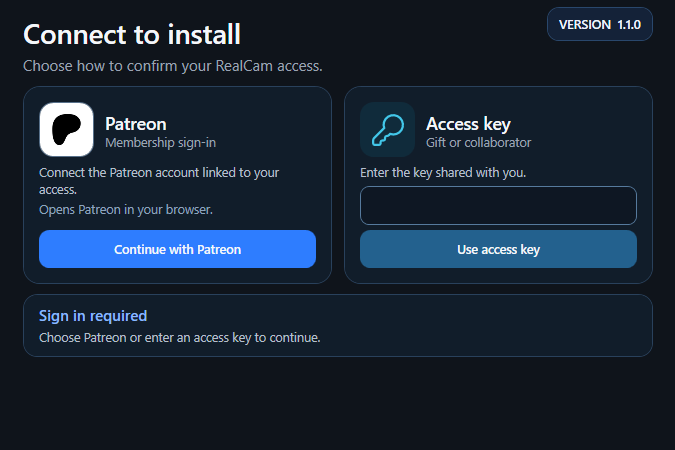
Install RealCam Hub
Run the installer on your Windows PC and connect with Patreon. It finds your games and installs what each one needs.


RealCam Hub · handheld camera for PC racing games
RealCam Hub links your iPhone or Android phone to your PC racing games. Move the phone and the in-game camera moves with you: frame the shot by hand, watch it live, and record it.
RealCam needs a Windows PC, a phone on the same network and an active RealCam membership.

How it works
Run the installer on your Windows PC and connect with Patreon. It finds your games and installs what each one needs.
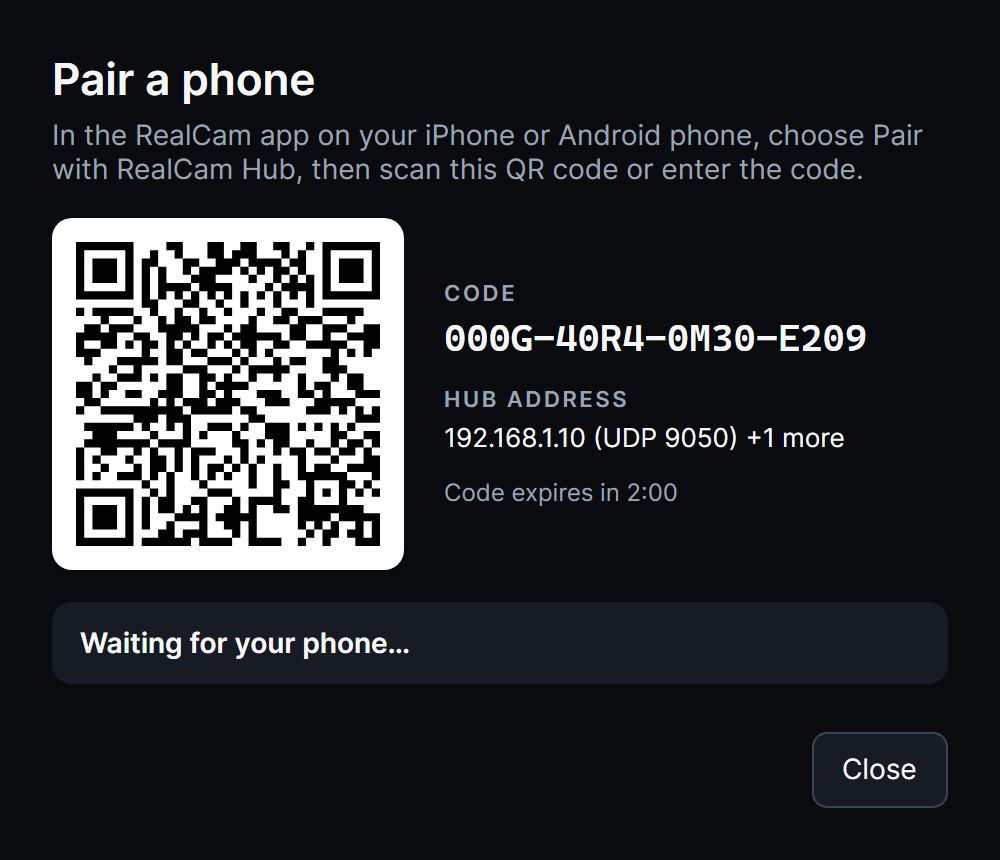
In the RealCam app on your iPhone or Android phone, scan the QR code the Hub shows.
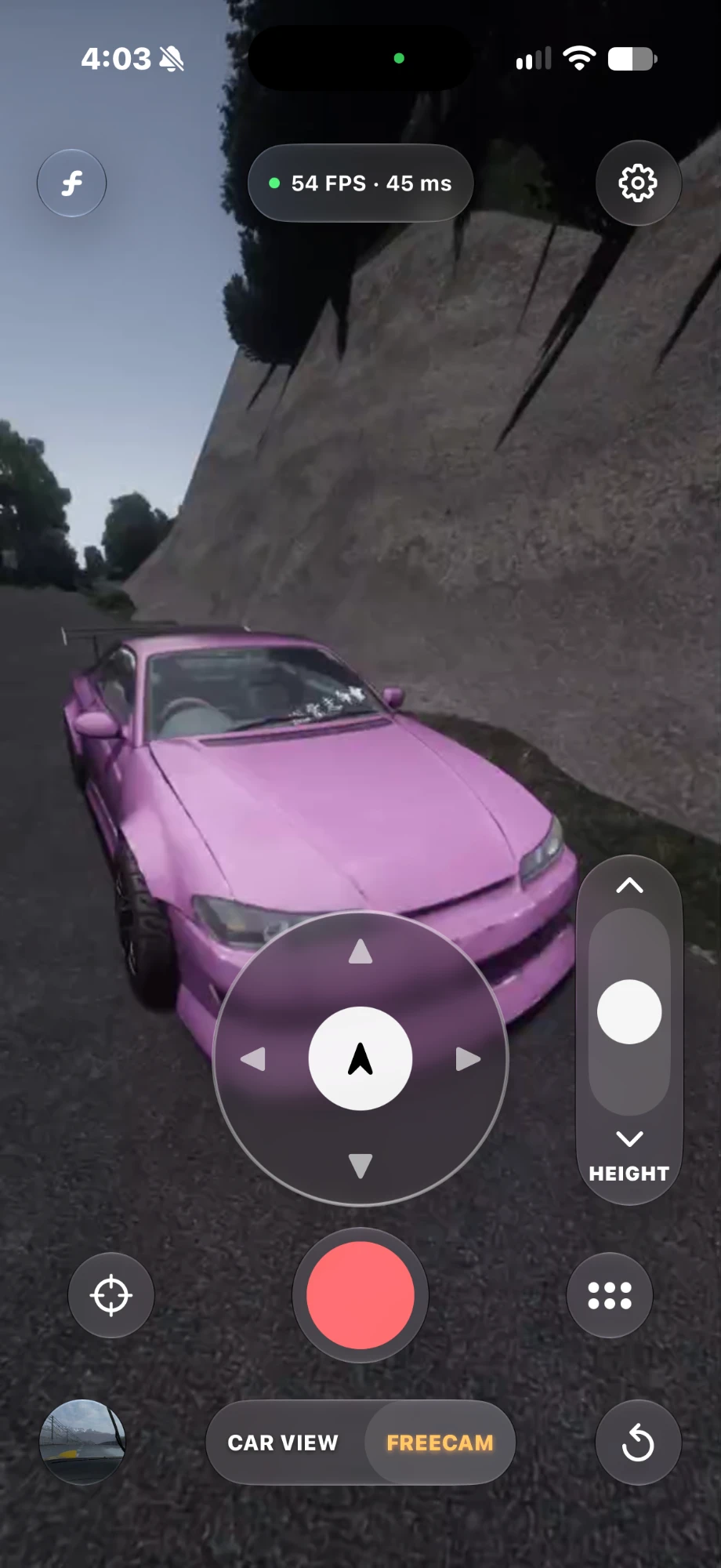
Launch a game and move your phone. The in-game camera follows your hand.
Features
Your phone's motion tracking drives the game camera, so a shot feels held, not animated.
Ride in the car as a passenger or step outside with the free camera. Walk, run or fly it like a drone.

The camera reacts to what the car does, and to the person holding it. Set each effect per game.

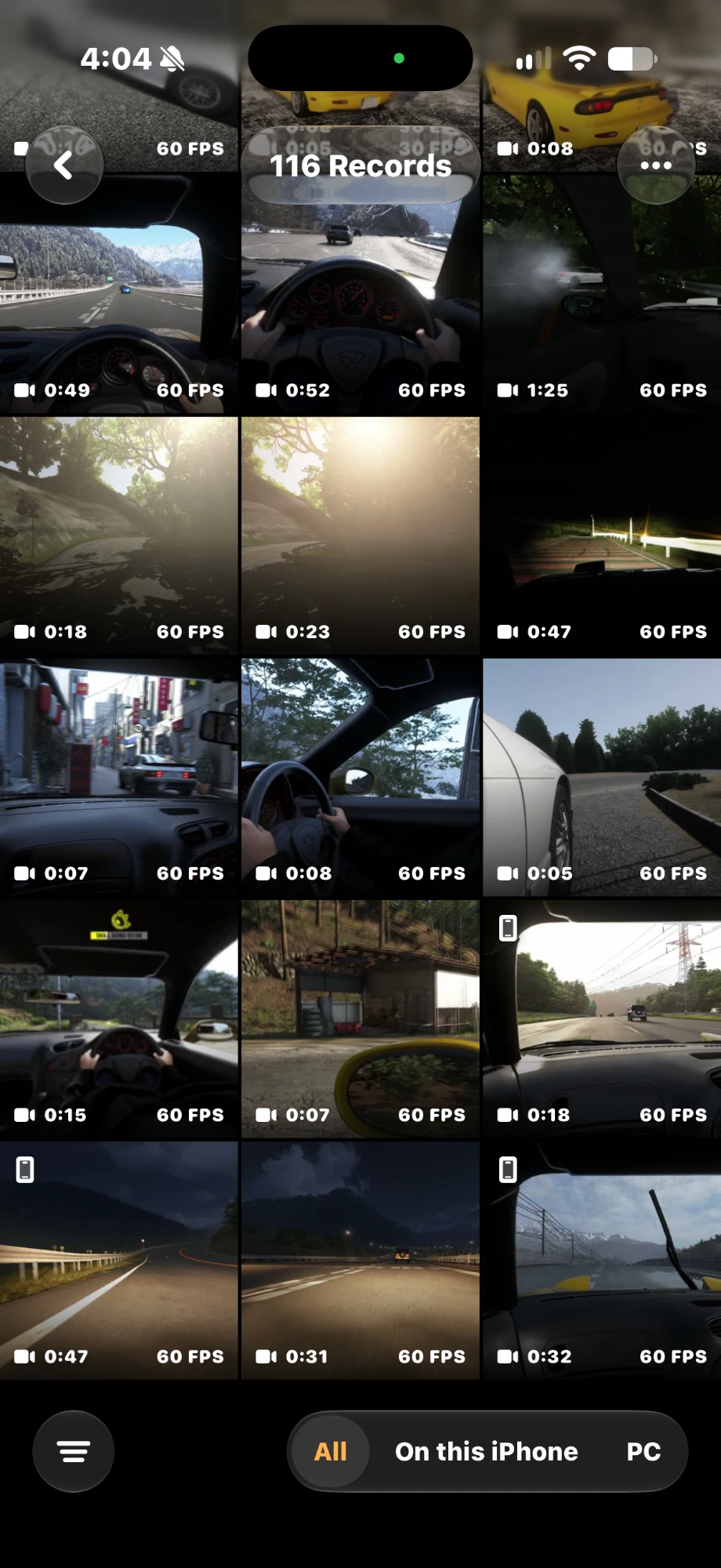
Record a shot from your phone and find it in the Hub library, sorted by game.
The Hub finds your installed games and sets up what each one needs.
A button at the top of the Hub tells you when a new version is ready.
Send a report straight to the developer from the Hub when something goes wrong.
See everything RealCam Hub does
Features vary by game. The Hub shows what is available for each one.
Platforms
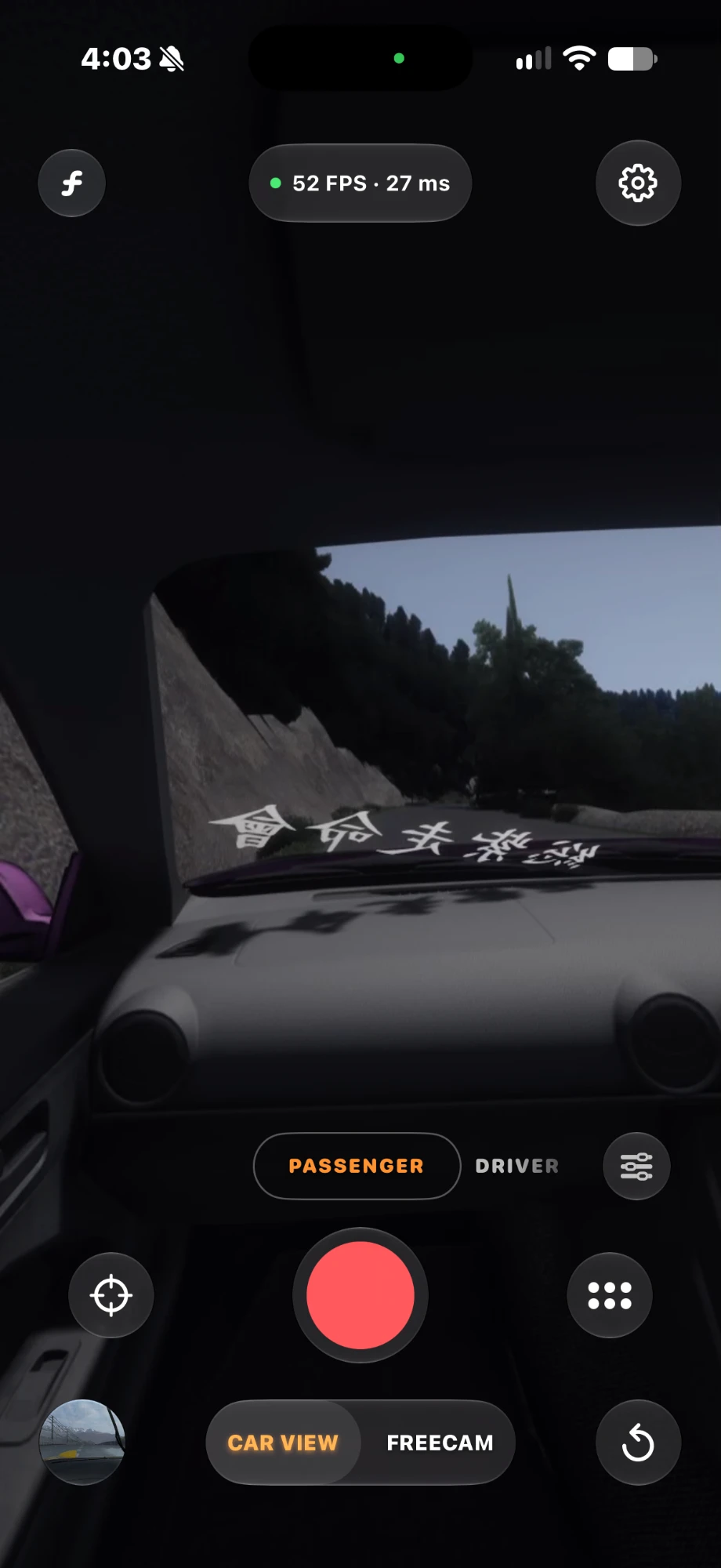
Runs on your PC, connects your phone to your games and keeps everything up to date.
The camera in your hand, with Live View and one-tap recording.
The same handheld camera on your Android phone.
Members get the Hub and the phone app through Patreon.
Membership
Sign in to the Hub and the phone app with your Patreon account. Access stays active while your membership is.